Photographs often carry as much information as the article around them. A car review needs detailed interior shots. A home tour needs room photographs. A product announcement needs images that readers can explore at a comfortable size.
Custom SimpleLightbox brings that experience to Drupal through a focused custom module. It connects existing image links to a gallery overlay, helping visitors explore photographs while keeping the surrounding article within reach.
The module integrates the standalone SimpleLightbox library without requiring jQuery. Version 1.1.0 combines a small PHP attachment hook, a Drupal library definition, and a JavaScript initializer that targets selected content wrappers.
What Is Custom SimpleLightbox?
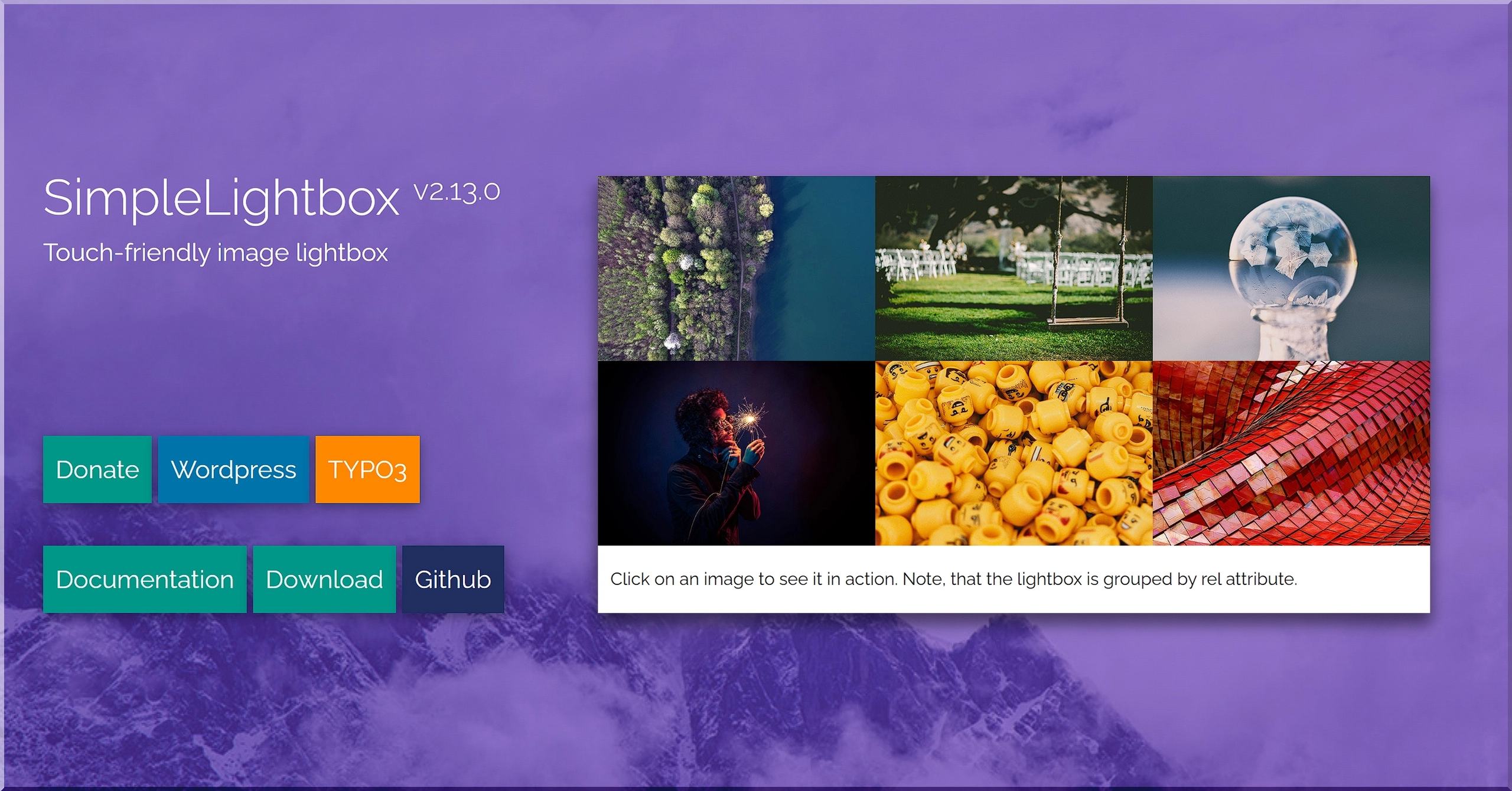
Custom SimpleLightbox adds lightbox behavior to supported image links inside Drupal content. When a visitor clicks a qualifying link, SimpleLightbox opens the photograph in an overlay and provides gallery navigation.
Definition: A lightbox presents an enlarged image above the current page. Visitors can browse photographs and close the overlay to continue reading from the same place.
The module suits content-rich websites that already publish linked images. Editors continue using their existing content fields and article workflow, while the module supplies the gallery interaction.
Typical uses include:
- Automotive reviews: Let readers inspect dashboards, seating, exterior details, and luggage compartments.
- Interior design articles: Present room photographs and material details in a browsable gallery.
- Travel stories: Group destination photographs within the article's content wrapper.
- Product announcements: Give readers a closer look at product imagery.
- Editorial posts: Keep image browsing connected to the story.
How the Module Works in Drupal
The module implements hook_node_view() and checks the node's view mode. When Drupal renders a node in full view mode, the hook attaches the custom_simplelightbox/simplelightbox library through the render array.
Drupal then loads the module's CSS, the standalone SimpleLightbox JavaScript asset, and the initialization script. The initializer searches the page for configured content wrappers and creates a SimpleLightbox instance when a matching wrapper contains candidate image links.
This arrangement separates the integration into three clear responsibilities:
- PHP attaches the assets during full node rendering.
- The library definition registers the files with Drupal's asset system.
- JavaScript connects image links to the gallery inside matching content wrappers.
The PHP hook includes declare(strict_types=1);. The module ships its gallery assets locally, so the library files come from the website's own module directory.
Supported Content Types and Image Formats
The supplied initializer targets six content wrapper classes:
.node--type-article.node--type-story.node--type-post.node--type-press.node--type-press1.node--type-car-review
These classes connect the gallery behavior to the site's rendered markup. For example, a car review with the .node--type-car-review wrapper can provide a gallery from the image links inside that container.
The module's JavaScript settings also define six supported image extensions: JPG, JPEG, PNG, GIF, WebP, and AVIF.
One extension array supplies both the candidate link selectors and SimpleLightbox's fileExt setting. That shared list gives developers one place to adjust the configured image formats.
Pro-Tip: Check the actual wrapper class in your theme's rendered HTML when adapting the module to another content type. The initializer works from those classes, so the selector must match the output.
Gallery Navigation and Alt-Based Captions
Custom SimpleLightbox enables an image counter and configures SimpleLightbox to take captions from image alt attributes. The bundled library supplies navigation, keyboard controls, and touch interaction through its default settings.
The initializer defines these options:
captionsData: 'alt': Uses the selected image's alt attribute as caption content.showCounter: true: Displays the current image position within the gallery.animationSpeed: 5: Sets the slide animation duration to 5 milliseconds.alertError: false: Suppresses the library's image-loading alert.fileExt: Configures the accepted image extensions.
Descriptive alt text helps readers understand the photograph and gives the gallery useful caption content. For a vehicle interior, describe the relevant view or feature rather than repeating the article's target keyword.
A caption such as 'Front seats and center console in the electric car' gives the photograph context. Editors should tailor each description to the image and its purpose in the story.
How to Install Custom SimpleLightbox
The supplied Composer metadata declares Drupal ^10.3 || ^11 and PHP 8.3 or newer. Check the PHP requirements of your installed Drupal release as well.
For installation from the ZIP archive:
- Extract
custom_simplelightbox-master.zip. - Rename the extracted module directory to
custom_simplelightbox. - Place it in the site's custom modules directory.
- Enable the module and rebuild Drupal's caches.
For a Composer project with a web document root, use web/modules/custom/custom_simplelightbox. Run these commands from the Composer project root:
# ./web/modules/custom/custom_simplelightbox/ — module directory in this example.
./vendor/bin/drush en custom_simplelightbox -y
./vendor/bin/drush cache:rebuild
For a project with a public_html document root, use public_html/modules/custom/custom_simplelightbox. Select the appropriate site URI when running Drush against a multisite installation.
The README also documents Composer installation through a GitHub VCS repository. The package name is idflorin/custom_simplelightbox, and the package type is drupal-custom-module. Composer uses the project's installer configuration to determine its destination directory.
How Do You Add Images to the Gallery?
The module works with image links inside matching content wrappers. Start by linking an inline image or thumbnail to the larger image file that readers should open.
For an image field, choose a formatter option that links to the image file where available. For photographs inside article text, add the link through the editor's existing tools.
A practical publishing sequence looks like this:
- Add the photographs to the article or image field.
- Write descriptive alt text for each image.
- Link each photograph to its larger image URL.
- Open the full article and check the gallery interaction.
- Browse the gallery on desktop and mobile.
The configured selectors look for image-extension strings in link destinations. A conventional URL containing lowercase .jpg, .webp, or .avif matches the corresponding candidate selector.
Pro-Tip: Use an appropriately sized image for the article layout and link it to a larger version for closer inspection. This gives readers a useful enlargement without requiring oversized inline photographs throughout the page.
A Focused Gallery Module for Editorial Drupal Sites
Custom SimpleLightbox keeps its implementation compact. The bundled library, initializer, and stylesheet total approximately 53.9 KB before HTTP compression, excluding image downloads.
Developers can adjust the content wrapper selectors, image extensions, and gallery options in js/settings.js. Drupal manages the asset attachment through the module's library definition, while editors continue preparing photographs within their existing publishing workflow.
For publishers who want Drupal 11 image galleries without jQuery, Custom SimpleLightbox connects linked photographs to a consistent browsing experience. Readers can explore the details, close the gallery, and continue with the story.