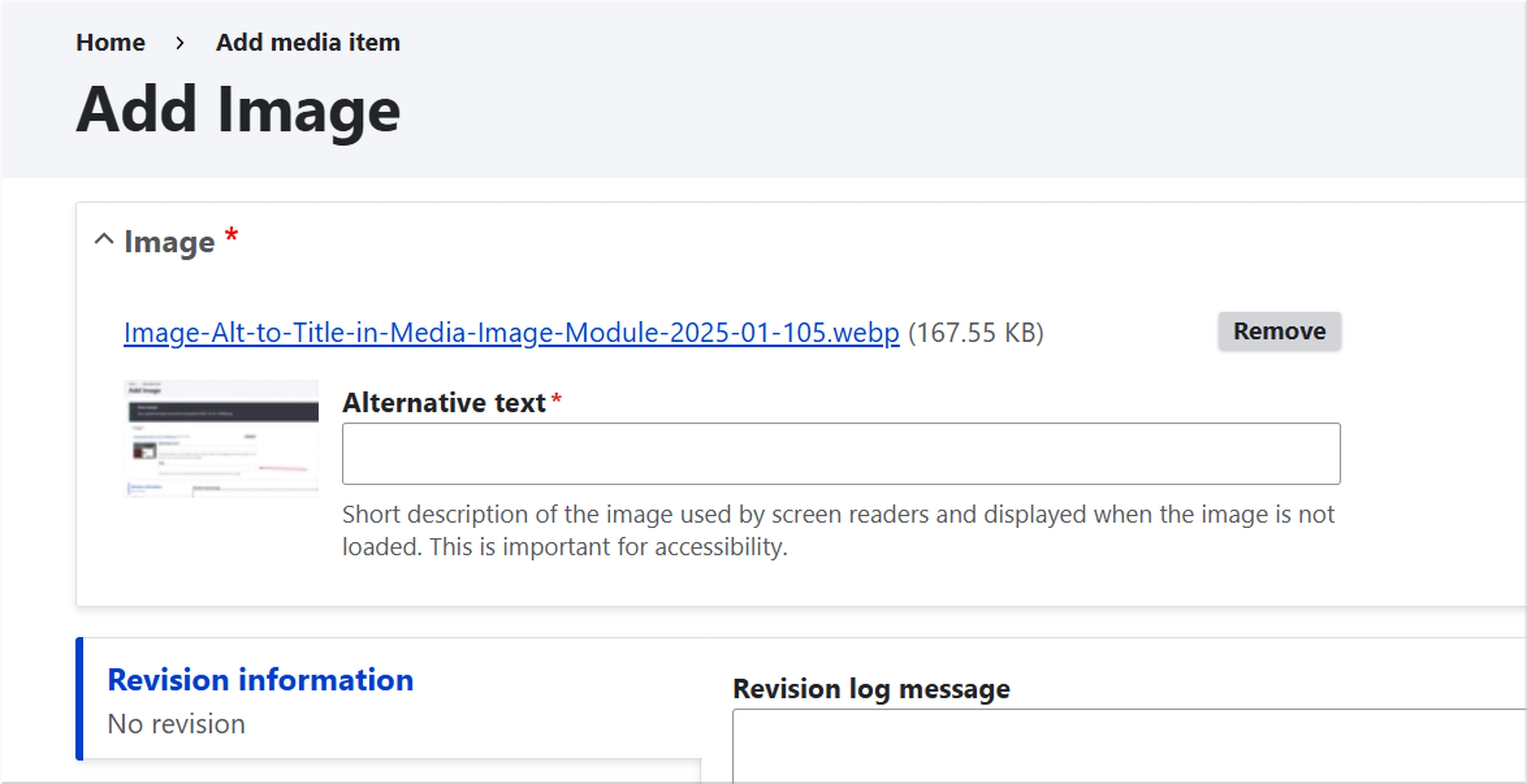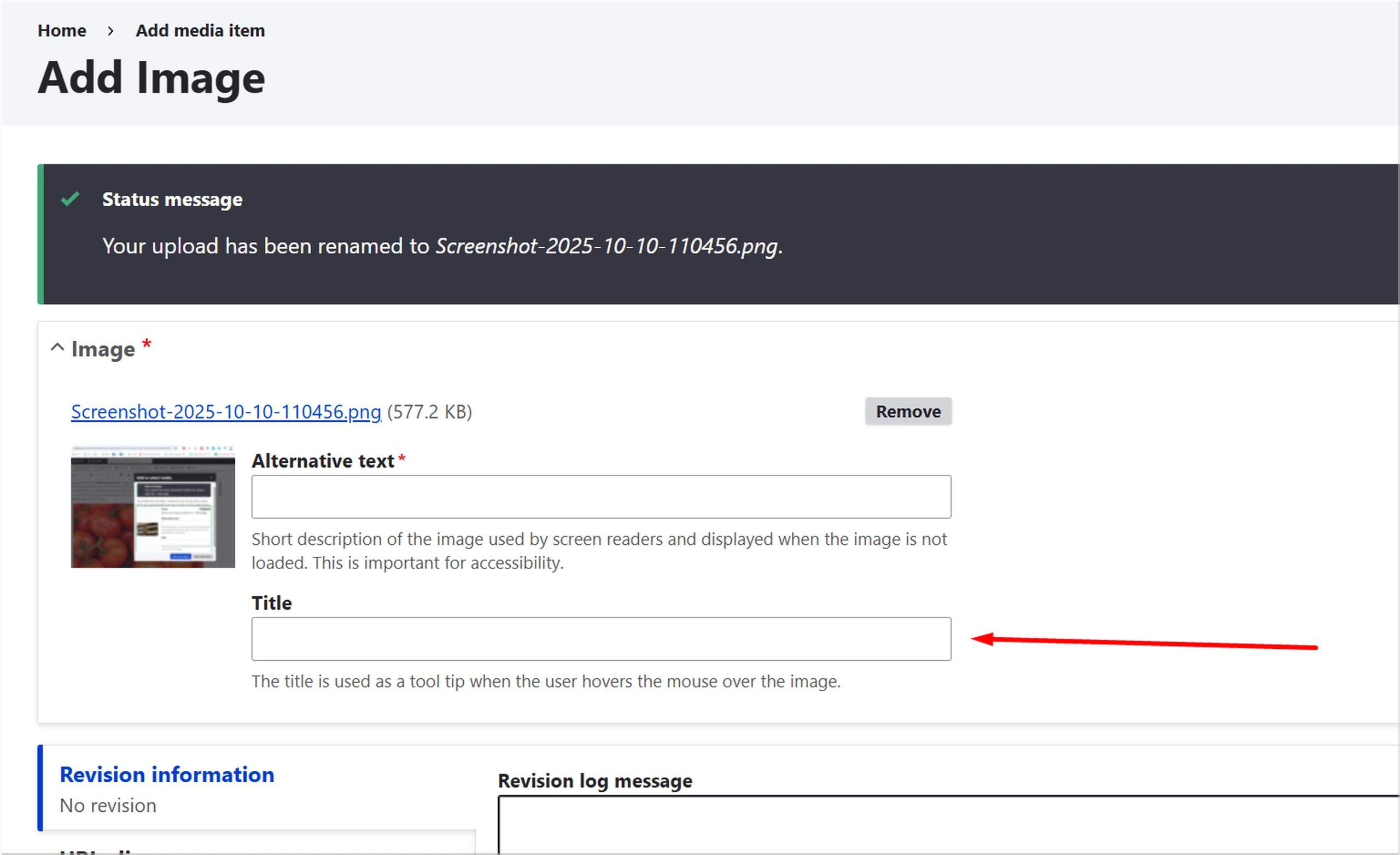
Managing images in Drupal can get repetitive, especially when editors must fill in both Alt text and Title fields for every upload. These two fields often duplicate information or cause confusion, leading to inconsistent accessibility data and unnecessary friction in the editorial process.
The Image Alt to Title in Media Image module was built to solve this — by automatically syncing the Alt text to the Title field, while completely hiding the Title input in Drupal’s Media Image forms.
Why This Module Exists
By default, Drupal’s image widgets and Media Library forms display both Alt text and Title fields. In most workflows, content editors only need to provide the Alt text for accessibility compliance. The Title attribute is either redundant or left empty — and keeping both fields in sync becomes tedious over time.
This module provides a simple, consistent solution:
- Hides the Title field entirely in all Media Image contexts.
- Automatically copies the Alt text value into the Title field on save.
- Works seamlessly across single and multiple image widgets.
- Functions in both the Media Library modal and /media/add/image forms.
The result: cleaner forms, consistent metadata, and happier editors.
How It Works
The module leverages Drupal’s Form API and Media system to alter image widget behavior at build time.
It uses:
hook_field_widget_single_element_form_alter()to modify image widgets.hook_form_BASE_FORM_ID_alter()formedia_formandmedia_library_widget_form.- A custom service,
FormImageFieldHandler, to:- Hide Title sub-elements during form rendering.
- Recursively traverse render arrays safely.
- Copy Alt text to Title on form submission.
- Apply an
#after_buildcallback to enforce the hiding late in the form build pipeline.
No configuration, no UI — just enable it and it runs automatically.
Key Features
✅ Title field hidden across:
/media/add/image- Media edit forms
- Media Library modal (entity browser)
✅ Alt text copied to Title automatically on submission
✅ Works with single and multi-value image widgets
✅ Lightweight and dependency-free
✅ Built using Drupal best practices with service-based architecture
Installation
Copy the module to:
web/modules/custom/image_alt_to_title_in_media_imageEnable it:
drush en image_alt_to_title_in_media_image -yRebuild caches:
drush cr
That’s it. The module starts working immediately.
Technical Notes
- Fully compatible with Drupal 10.x and 11.x.
- Works with both Claro and Gin admin themes.
- Uses
Element::children()for safe recursion and optimized performance. - Avoids modifying core templates or entity definitions — changes are form-only.
Troubleshooting
Title field still visible?
Clear caches (drush cr) and ensure no other custom module re-adds the field via hook_form_alter().
Memory exhaustion or recursion issues?
Upgrade to the latest version — recursion is now optimized to only traverse renderable children.
Custom field name?
If your image field uses a different machine name (e.g., field_image), update the service to target that field or extend the hideTitleField() method.
Developer Notes
The module’s logic is encapsulated in FormImageFieldHandler, which provides:
processImageField()– hide title fields within widgets.hideTitleField()– recursively remove title elements.validateForm()– synchronize Alt and Title values.afterBuildHideTitle()– final enforcement after all alters.
This design ensures minimal interference with other modules while keeping behavior predictable and maintainable.
Benefits for Teams
- Accessibility consistency: Ensures every image has both Alt and Title attributes aligned.
- Reduced training overhead: Editors only need to provide one text field.
- Clean editorial UI: Removes unnecessary clutter from Media forms.
- Automation: Handles synchronization silently and reliably.
Compatibility
- Drupal Core: 10.x, 11.x
- Dependencies: None
- Themes: Claro, Gin, Seven
- Works with: Core Media Library and Image modules
- Tested with: Single and multiple image widgets
Conclusion
The Image Alt to Title in Media Image module is a small but meaningful improvement for Drupal content teams. It simplifies media management, maintains accessibility standards, and reduces redundant data entry — all while following Drupal’s best practices.
In short:
One less field to fill out. One less thing to forget.
Update:
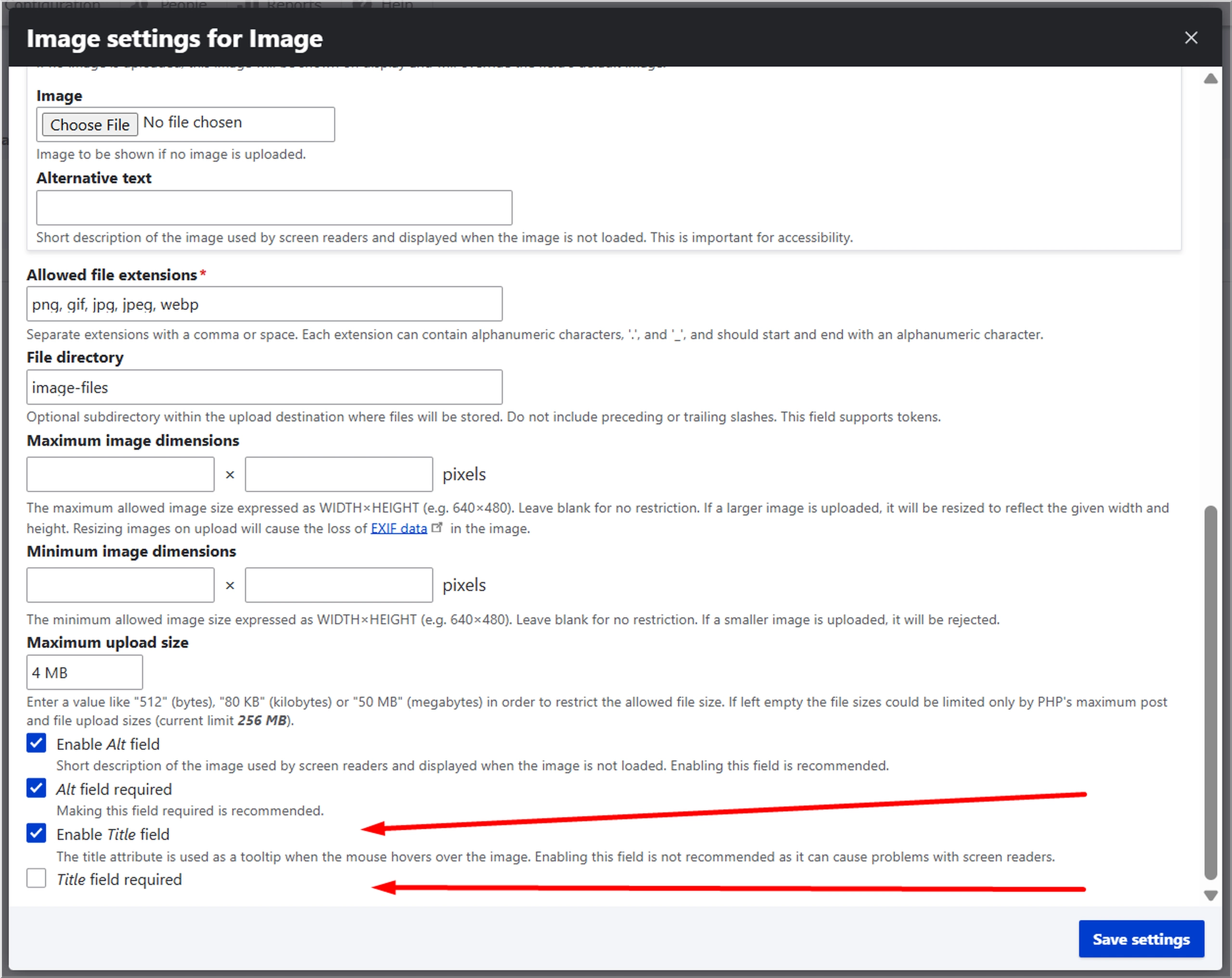
Make sure that Enable Title field is checked and Title field required is unchecked, at
/admin/structure/media/manage/image/fields/media.image.field_media_image