A beginner-friendly step-by-step guide to building a clean and lightweight Drupal 11 custom module using modern Drupal development practices. Learn how to create a custom route, build a controller, register reusable services, and implement dependency injection without unnecessary scaffolding or legacy code. Perfect for developers who want to understand the fundamentals of Drupal 11 module architecture while keeping their code fast, maintainable, and production-ready.
What This Drupal 11 Module Will Do
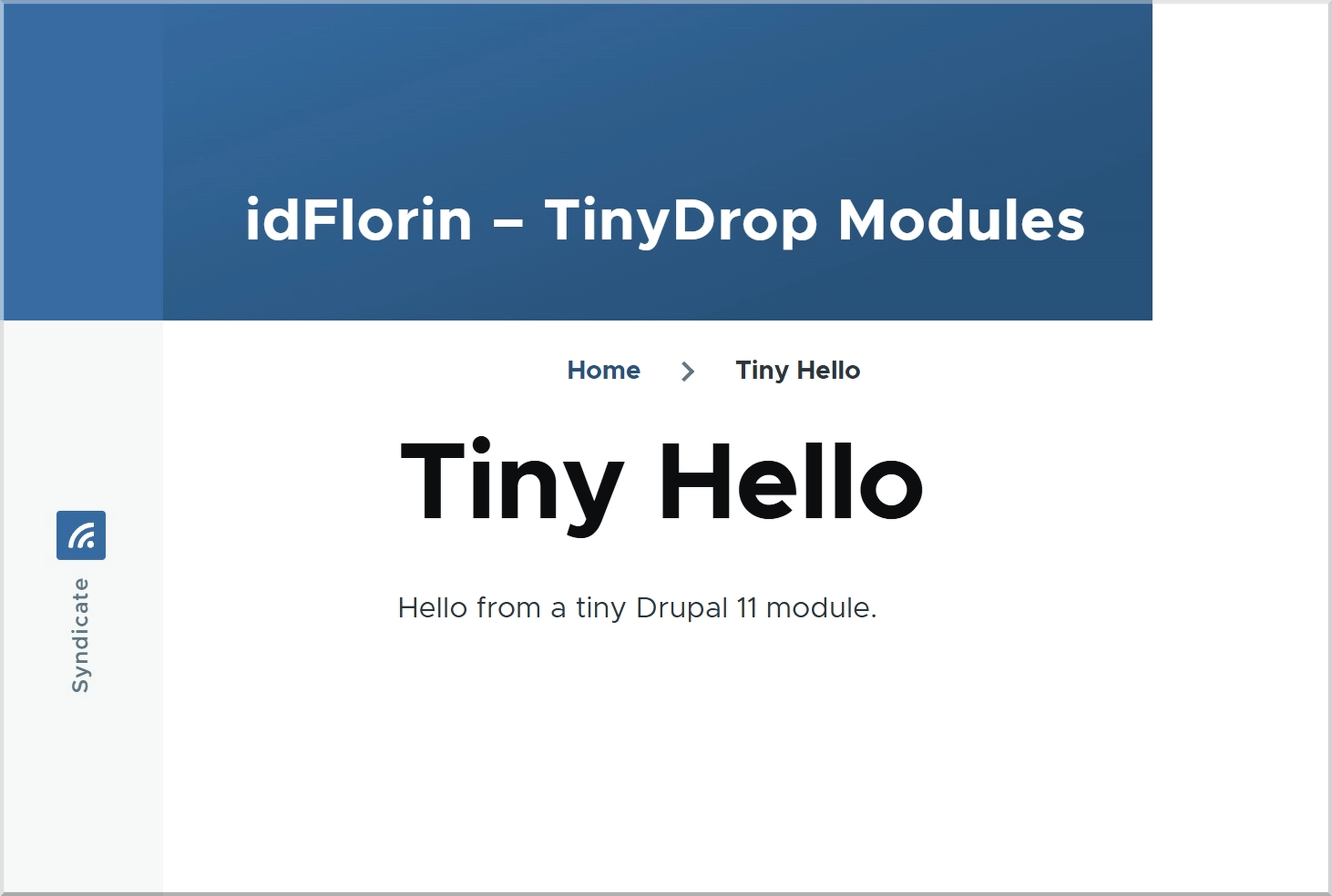
A minimal Drupal 11 module should solve one clear problem without adding unnecessary complexity. In this guide, you will build a tiny custom module called Tiny Hello that creates a page at /tiny-hello and displays a message from a custom service.
Drupal 11 Module File Structure
Your custom module will use this simple structure:
web/modules/custom/tiny_hello/
├── tiny_hello.info.yml
├── tiny_hello.module
├── tiny_hello.routing.yml
├── tiny_hello.services.yml
└── src/
    ├── Controller/
    │   └── TinyHelloController.php
    └── Service/
        └── TinyHelloMessage.php
Step 1: Create the Custom Module Directory
Create the module folders inside your Drupal project:
mkdir -p web/modules/custom/tiny_hello/src/Controller
mkdir -p web/modules/custom/tiny_hello/src/Service
Drupal custom modules usually live inside web/modules/custom. Use lowercase letters and underscores for the module machine name.
Step 2: Create the Module Info File
Add the module definition file:
# web/modules/custom/tiny_hello/tiny_hello.info.yml
name: Tiny Hello
type: module
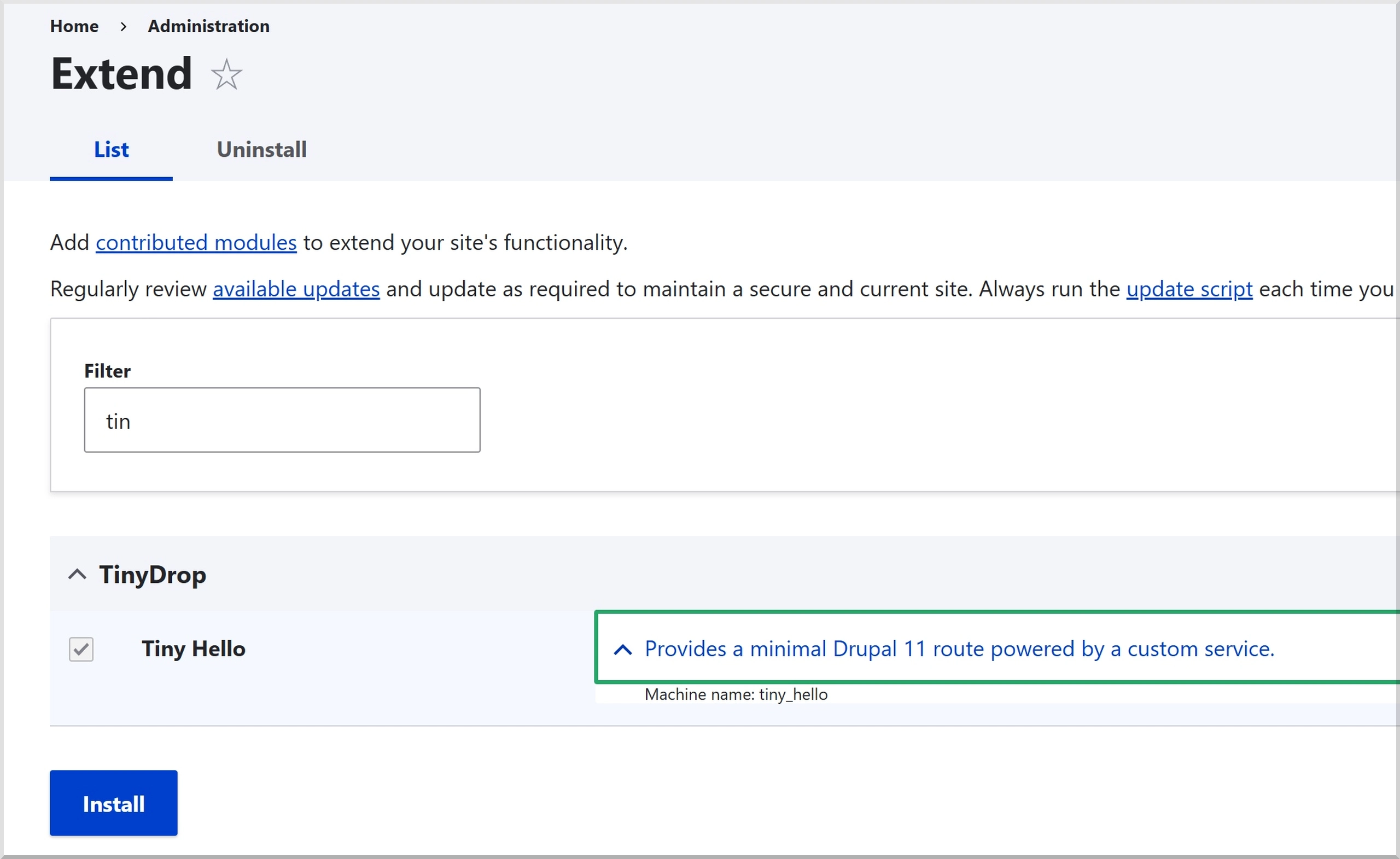
description: 'Provides a minimal Drupal 11 route powered by a custom service.'
package: TinyDrop
core_version_requirement: ^11
This file tells Drupal that your module exists and supports Drupal 11.
Step 3: Add a Minimal .module File
Create the module file:
<?php

// web/modules/custom/tiny_hello/tiny_hello.module

declare(strict_types=1);
Modern Drupal 11 modules often do not need logic inside the .module file. Keep it empty unless you truly need a procedural hook.
Step 4: Define the Drupal Route
Create the route that maps a URL to your controller:
# web/modules/custom/tiny_hello/tiny_hello.routing.yml
tiny_hello.page:
  path: '/tiny-hello'
  defaults:
    _controller: '\Drupal\tiny_hello\Controller\TinyHelloController::page'
    _title: 'Tiny Hello'
  requirements:
    _permission: 'access content'
This route makes the page available at /tiny-hello.
Step 5: Create the Drupal Service
Add a small service class that returns the message:
<?php

// web/modules/custom/tiny_hello/src/Service/TinyHelloMessage.php

declare(strict_types=1);

namespace Drupal\tiny_hello\Service;

final readonly class TinyHelloMessage {

  public function getMessage(): string {
    return 'Hello from a tiny Drupal 11 module.';
  }

}
This keeps business logic out of the controller and makes the code easier to test and reuse.
Step 6: Register the Service
Add the service definition:
# web/modules/custom/tiny_hello/tiny_hello.services.yml
services:
  tiny_hello.message:
    class: Drupal\tiny_hello\Service\TinyHelloMessage
Drupal can now load this class from the service container.
Step 7: Create the Controller with Dependency Injection
Create the controller that receives the service and returns a cache-aware render array:
<?php

// web/modules/custom/tiny_hello/src/Controller/TinyHelloController.php

declare(strict_types=1);

namespace Drupal\tiny_hello\Controller;

use Drupal\Core\Controller\ControllerBase;
use Drupal\tiny_hello\Service\TinyHelloMessage;
use Symfony\Component\DependencyInjection\ContainerInterface;

final class TinyHelloController extends ControllerBase {

  public function __construct(
    private readonly TinyHelloMessage $message,
  ) {}

  public static function create(ContainerInterface $container): self {
    return new self(
      $container->get('tiny_hello.message'),
    );
  }

  public function page(): array {
    return [
      '#type' => 'container',
      '#attributes' => [
        'class' => ['tiny-hello'],
      ],
      'content' => [
        '#markup' => $this->message->getMessage(),
      ],
      '#cache' => [
        'contexts' => ['user.permissions'],
        'tags' => ['config:system.site'],
        'max-age' => 3600,
      ],
    ];
  }

}
Step 8: Enable the Drupal 11 Module
Enable the module and rebuild Drupal caches:
drush en tiny_hello -y
drush cr
Now visit /tiny-hello. You should see the message from your custom service.
Why This Minimal Drupal 11 Module Works
This module follows a clean structure. The routing file handles the URL, the controller handles the page response, and the service handles reusable logic.
- Small footprint: The module includes only the files it needs.
- Modern PHP: The code uses strict types, typed methods, and constructor property promotion.
- Clean architecture: The controller depends on a service instead of hardcoding logic.
- Cache-ready output: The render array includes explicit cache metadata.
Beginner Mistakes to Avoid
- Do not put business logic directly inside controllers.
- Do not use
\Drupal::service()when dependency injection works. - Do not add configuration files before the module needs configuration.
- Do not create admin routes without proper permissions.
- Do not add JavaScript, CSS, or libraries unless the UI requires them.
Final Thoughts on Building Tiny Drupal 11 Modules
A good Drupal 11 module does not need to be large to be useful. Start with the smallest working version, keep each class focused, and only add complexity when the module proves it needs it.
That is the TinyDrop approach: build small, useful Drupal modules that developers can understand quickly, maintain easily, and trust in production.